
Quotes
One click away from an invoice
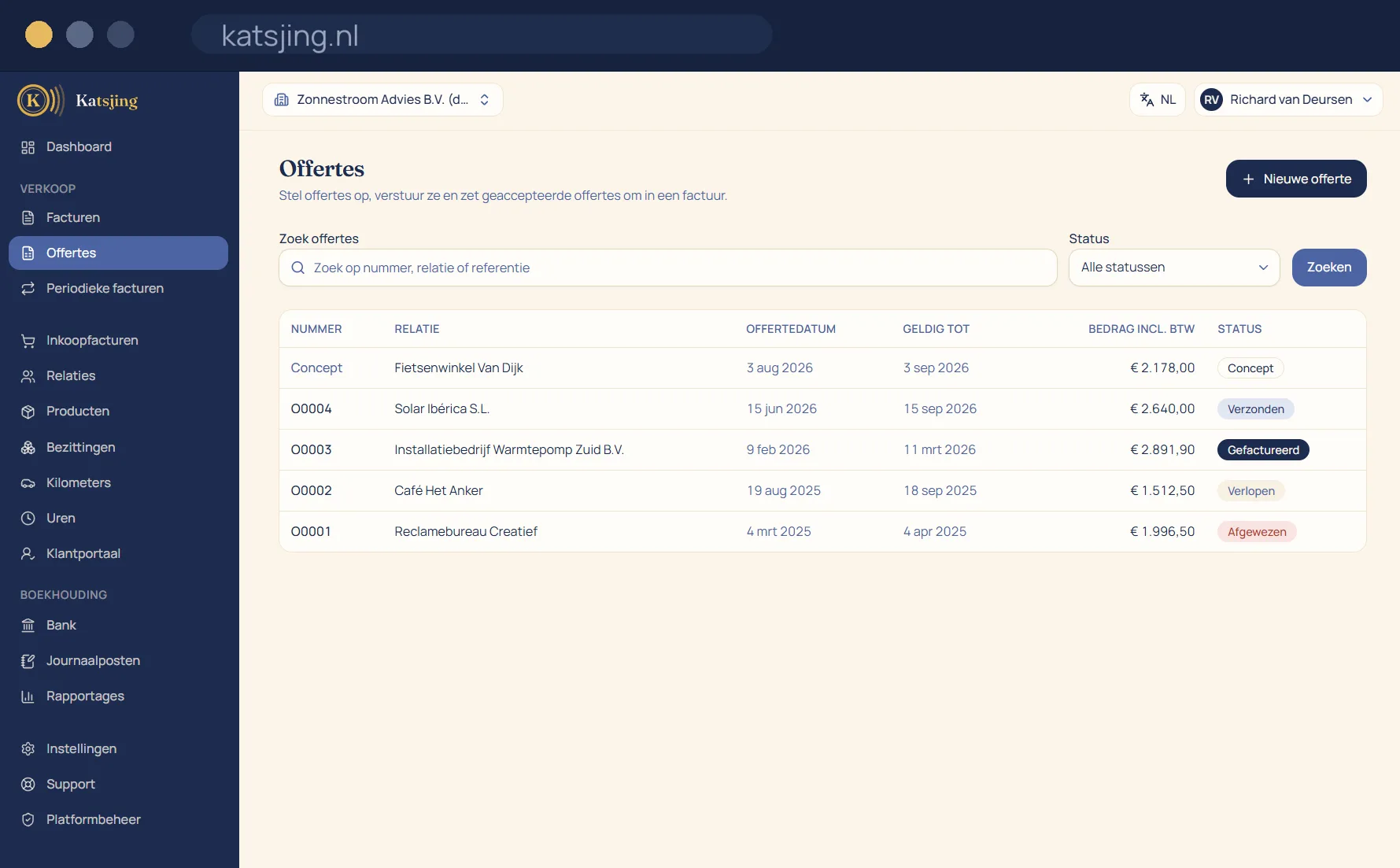
You create a quote in the same design as your invoices and send it to your customer for approval, who can accept or decline it online. Once the job is confirmed, you turn the quote into an invoice without retyping a single line.
What you can do with it
- Status per quote: sent, accepted, declined or expired.
- Convert a quote into an invoice keeping all lines and rates.
Online acceptance, with a signature that counts
Your customer opens the quote through a link, without logging in, and accepts it by entering their name and ticking the declaration of acceptance. That is an electronic signature within the meaning of the law. Katsjing records the name, the time and the acceptance text and stores them as a PDF with the quote, so you can show later what was agreed.
From quote to invoice
Once the quote has been accepted, you turn it into a draft invoice with one click, with all the lines, quantities and rates in it. You can also set it to happen straight away on acceptance. That way you never retype anything, and the invoice always matches what your customer approved.
Always know where a quote stands
Every quote has a status: draft, sent, accepted, declined or expired. If you set a validity date, a quote is shown as expired automatically after that date. Want to offer an expired or declined quote again? Edit it and send it once more.
Frequently asked questions
- Does my customer need an account to accept?
- No. Your customer gets a link and accepts or declines in the browser, without an account or password.
- Can I still change a quote I've sent?
- Withdraw it, edit it and offer it again. That way your customer always knows which version applies, and an earlier acceptance never stays attached to changed text.
- Do quotes have the same design as my invoices?
- Yes. Quotes use the same document designer, so your logo, colours and font are the same everywhere.
Included in every paid plan
There is no basic version with half a feature list: every feature above is included in both paid plans. What differs is how much of it you use: the number of sales invoices per month, users, trade names and automatically read receipts. ZZP is for sole traders; Onderneming has room everywhere and lets you switch off the Katsjing mention on your invoices. You can also start for free, with a monthly limit on the number of invoices.
See the plans