
Dashboard
Your business at a glance
The moment you log in you see where you stand: what is still outstanding, what is overdue, which recurring invoices are coming up and which quotes are still with your customers.
What you can do with it
- Outstanding and overdue invoices at the top, so you know who to chase.
- An immediate overview of every scheduled invoice.
- Shortcuts to whichever numbers matter at that moment.
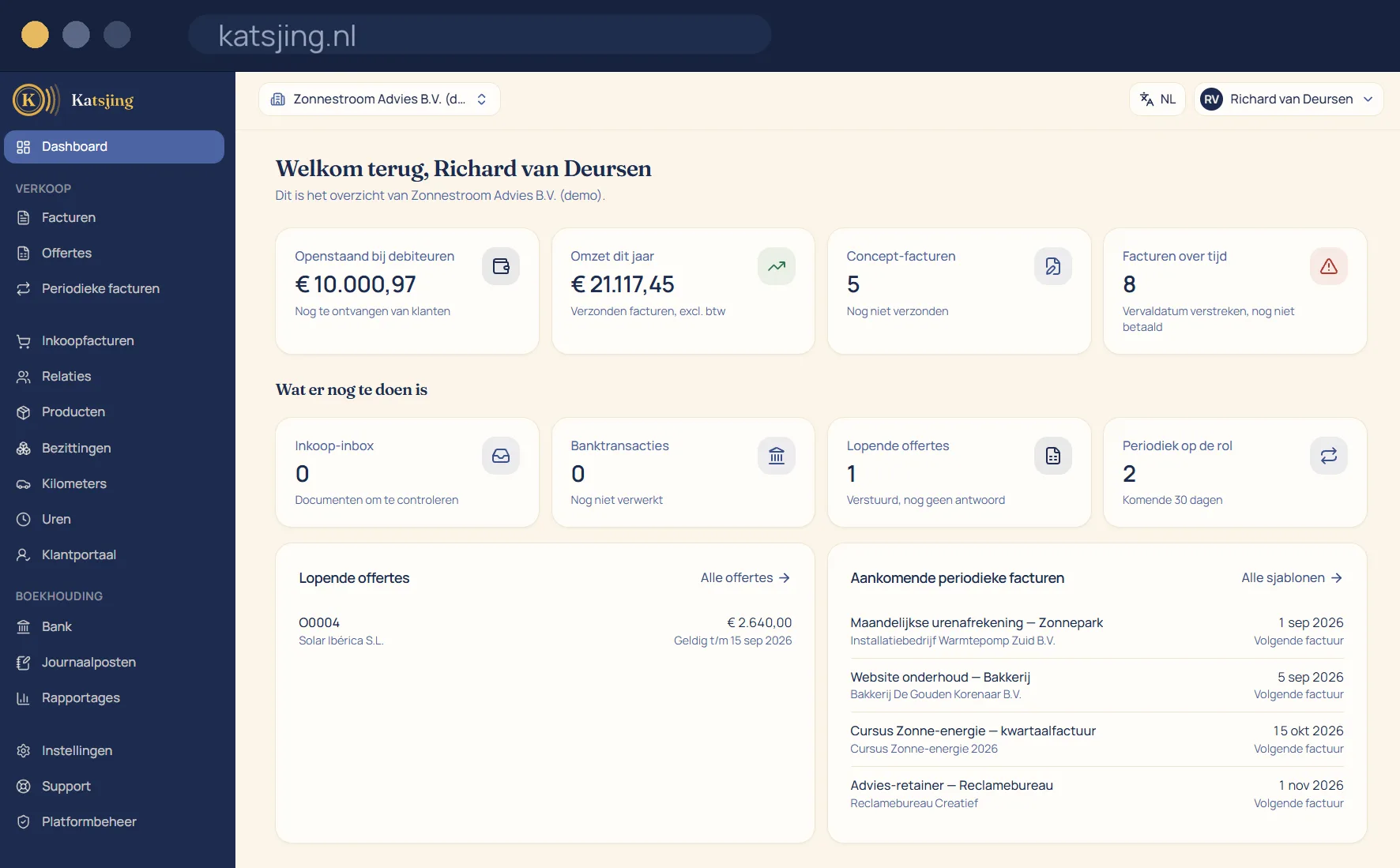
Your layout, not someone else's
You choose which blocks you see on your dashboard and in what order: outstanding and overdue invoices, your revenue, drafts still waiting, your purchase inbox, bank transactions that still need linking, open quotes, upcoming recurring invoices and today's tasks. That layout is per person and per set of books. If your bookkeeper works along with you, they have their own dashboard and yours stays the way you want it.
How complete are your books?
The “Completeness of your books” block shows what is still open before your books are done: bank transactions that haven't been linked yet, purchase documents still sitting in the inbox, draft invoices that have been waiting for more than a month, booked purchase invoices without a receipt, and a missing Chamber of Commerce (KvK) or VAT number. Once you sort something out, it disappears from the list by itself; there is nothing to tick off.
A quick start or the full picture
Just starting out? Pick the starter layout with what you need in the first few weeks, such as your setup, your tasks and your outstanding invoices. Want to see more? Add blocks like the cash flow or the completeness check. A block you hide isn't calculated either, so the dashboard stays fast.
Frequently asked questions
- Is the dashboard included in every plan?
- Yes, in the free plan too. You decide which blocks you see.
- Can my bookkeeper have a different dashboard from mine?
- Yes. The layout belongs to the person and the set of books, so everyone who works along sets up their own dashboard.
- Do invoices that were paid late count in the completeness check?
- No. A customer who pays late is not a gap in your books. You see those invoices in the “Overdue invoices” block.
Included in every paid plan
There is no basic version with half a feature list: every feature above is included in both paid plans. What differs is how much of it you use: the number of sales invoices per month, users, trade names and automatically read receipts. ZZP is for sole traders; Onderneming has room everywhere and lets you switch off the Katsjing mention on your invoices. You can also start for free, with a monthly limit on the number of invoices.
See the plans